


TimLScheffer
February 13, 2014
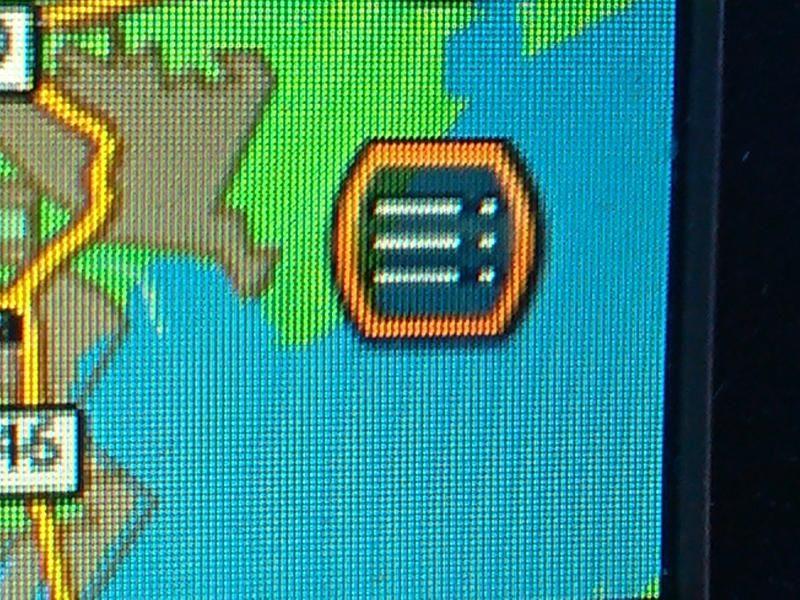
This is the Icon to bring up the STOP Screen... To Cancel Route Guidance manually from the Nav Screen. Use the Toggle Button on the right handle bar as your mouse... toggle to highlight the Icon on the bottom right of the screen... The Icon is 3 lines with dots after them... When highlighted it has a orange ring around it. To select push the toggle switch in like clicking a mouse... The next screen will have STOP at the top... Highlight that with the mouse/toggle button then push in/click the toggle button and it will stop the route guidance.
More About This Picture
Vehicle
N/A
Location
N/A
Keywords
N/A
Discover More Pictures
See More


Advertisement

Be the first to comment on this picture!