Harley Davidson Dyna Glide: How to Reset the Turn Signal Security Module (TSSM)
Is a code on your bike's Turn Signal Security Module preventing it from starting? Lucky for you, resetting it is actually pretty easy.
This article applies to the Harley Davidson Dyna Glide.
There are many modules on your Harley Davidson that track as well as monitor the state of your powertrain and accessories. The Turn Signal Security Module monitors the signals and the alarm system for the bike. When there is a problem, the red light key will illuminate. Diagnosing and clearing the codes on each module is really simple, as explained below.

Materials Needed
- Ignition key
- Key fob
Before resetting the Turn Signal Security Module, you should check some of the basic reasons as to why the red light is turned on. These reasons include a dying key fob battery, blown turn signal bulb, or bad fuse. Fixing these problems could lead to the module clearing its own code.
Step 1 – Access the diagnostics menu
Accessing the diagnostics menu requires you to press several of the accessory switches in a very specific manner, within a short amount of time. The series and buttons are different for different year bikes.
For late model bikes made after about 2005:
- Turn the ignition switch off and the kill switch to the run position.
- Press and hold the odometer reset button.
- Turn the key switch to on.
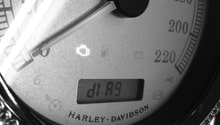
- Release odometer button and "DIAG" should appear in the odometer display.
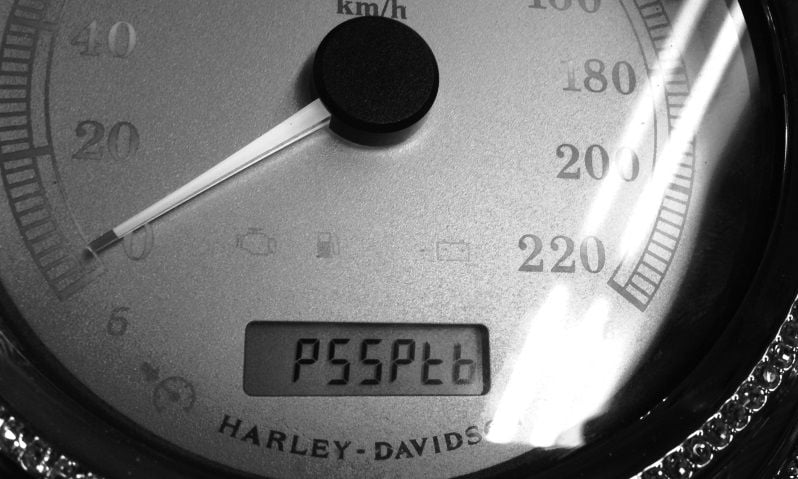
- Press the reset button again and the display will read "PSSPt."
- Press the reset button a few times until the first "S" is flashing, then press and hold it for five seconds.
- The error codes should now display on the odometer.
- Press and hold the odometer reset button for five seconds to clear each code.
Step 2 – Inspect the codes
The codes can be caused by something really minor, such as a blown fuse or turn signal bulb. Troubleshoot each code until you have figured out the problem, then proceed to safely reset the codes.
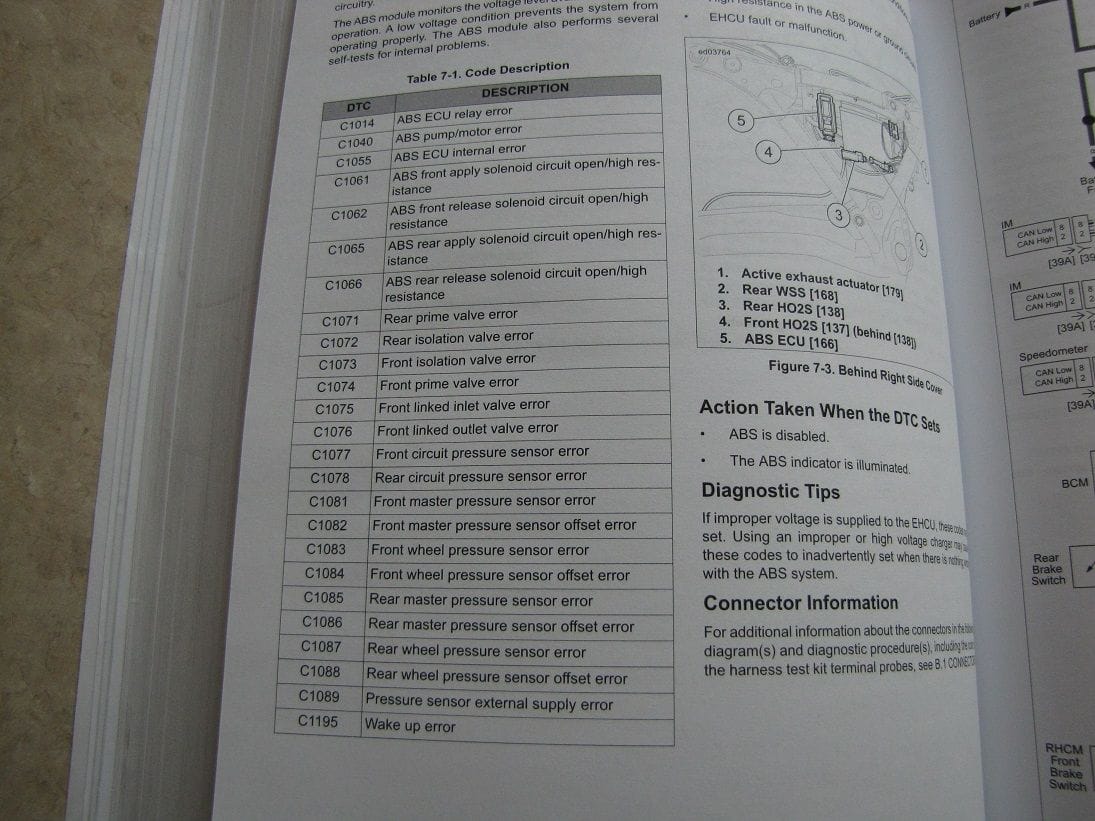
Step 3 – Clear the codes
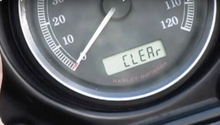
- Press the odometer reset button and hold for each code.
- "Clear" will appear in the odometer display as you reset each code.
- Then turn the ignition off.
Step 4 – Resetting the TSSM
This method should work with all bikes built after 2001.
- Move kill switch to off position, turn ignition on-off-on-off-on.
- Press left turn signal switch twice, pause, and lights will flash.
- Press right turn signal switch once, pause, and lights will flash.
- Press right turn signal switch once, pause, and lights will flash twice.
- Press right turn signal switch once, pause, and lights will flash three times.
- Press left turn signal switch once, and light will flash a number of times to indicate an error code.
- There is 1.5 seconds between flashes to indicate 1st and 2nd digit of codes and four second pause between codes.
- Press and hold left switch down for five seconds, and light will flash twice to indicate the TSSM is reset.
- Turn ignition to off.
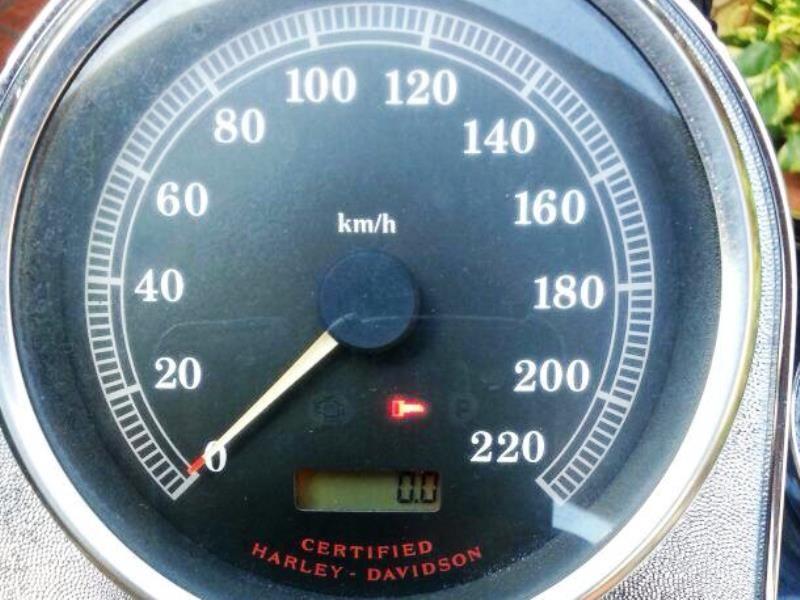
TSSM Flashing Light Codes
- 11 = Battery voltage high
- 21 = Left turn output fault
- 22 = Right turn output fault
- 25 = Ignition enable output high
- 31 = Alarm output low
- 32 = Alarm output high
- 34 = Starter output high
- 35 = Accelerometer fault
- 41 = Ignition switch open/low
Related Discussions
- Red Key Light On and Bike Won't Start - HDForums.com
- Resetting the Security Module..... - HDForums.com