Harley Davidson Dyna Glide: How to Program Key Fob
Losing a key fob could be a pain in the neck; this guide will show you how to reprogram a key fob for your Harley Davidson Dyna Glide.
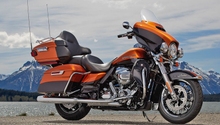
This article applies to the Harley Davidson Dyna Glide.
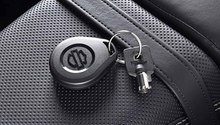
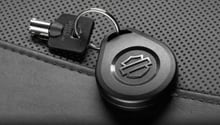
The key fob in the Harley Davidson Dyna Glide is important to operate the bike. The key fob allows you to arm and disarm the alarm system, which if not disarmed, the bike won't let you start it. Losing a key fob could be a huge inconvenience, and taking it to the dealership could be very costly. This guide will help you program your new Harley Davidson Dyna Glide's key fob. Just follow the simple steps below and enjoy your new key fob.
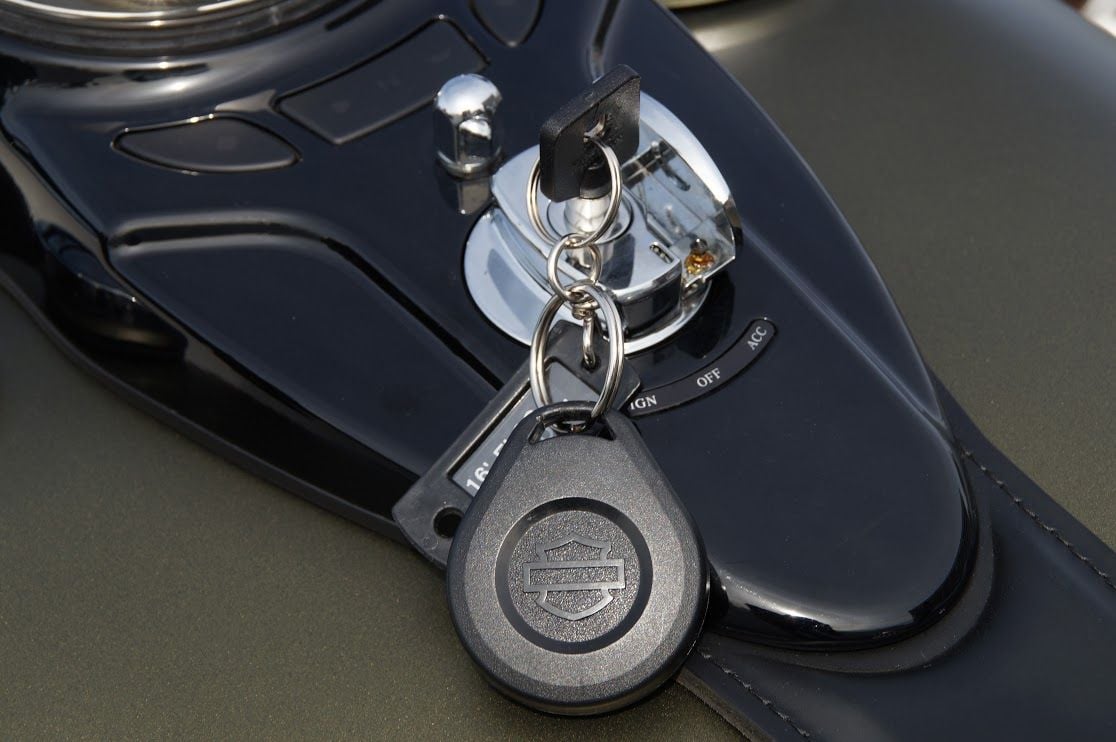

Material Needed
- Key fob
Step 1 – Turn off switch
Turn the run switch located on the right side of the handlebar to "off," then turn the ignition to "acc," which is located on the gas tank.
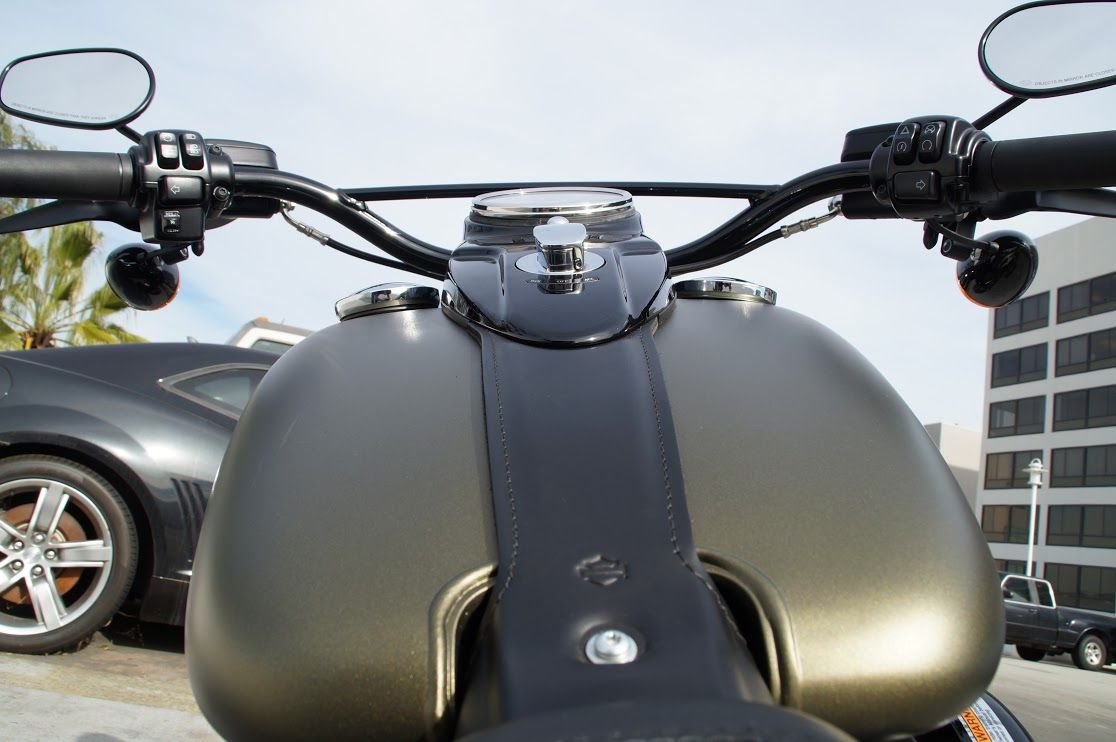
Step 2 – Hold turn signals
Using both your hands, press both turn signals and keep them pressed. Once the lights starts flashing, you're ready to enter the code.

Step 3 – Enter code
If you've never changed your code, then your factory code is 7-7-7-7-7. The left turn signal works as the number, so you press it as many times as the number is, then you press the right turn signal to enter the number, and then you repeat. So press the left turn signal seven times, then press the right turn signal once. Repeat this process five times. If you entered the code correctly, the lights should flash, which indicates you've put the code in right.

Related Discussions
- Key Fob Programming - HDForums.com
- Key Fob - HDForums.com