Harley Davidson Softail: How to Reset Check Engine Light
The check engine light goes on in your Harley Davidson Softail to tell you something is wrong with the motorcycle. If you're aware of why it's on and you want it off, this article will help you achieve that.
This article applies to the Harley Davidson Softail.
The Harley Davidson Softail is equipped with a computer, which is designed to pinpoint any component that goes bad. It's important not to ignore a check engine light. After reading the code, which will tell you exactly what you need to fix or replace, you will be left with an activated check engine light, which can get annoying to look at. This guide will show you how you can check the code and turn off the engine check light on your Harley Davidson Softail.

Material Needed
- Owner's manual
Step 1 – Turn switch
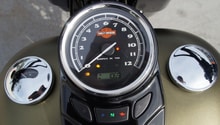
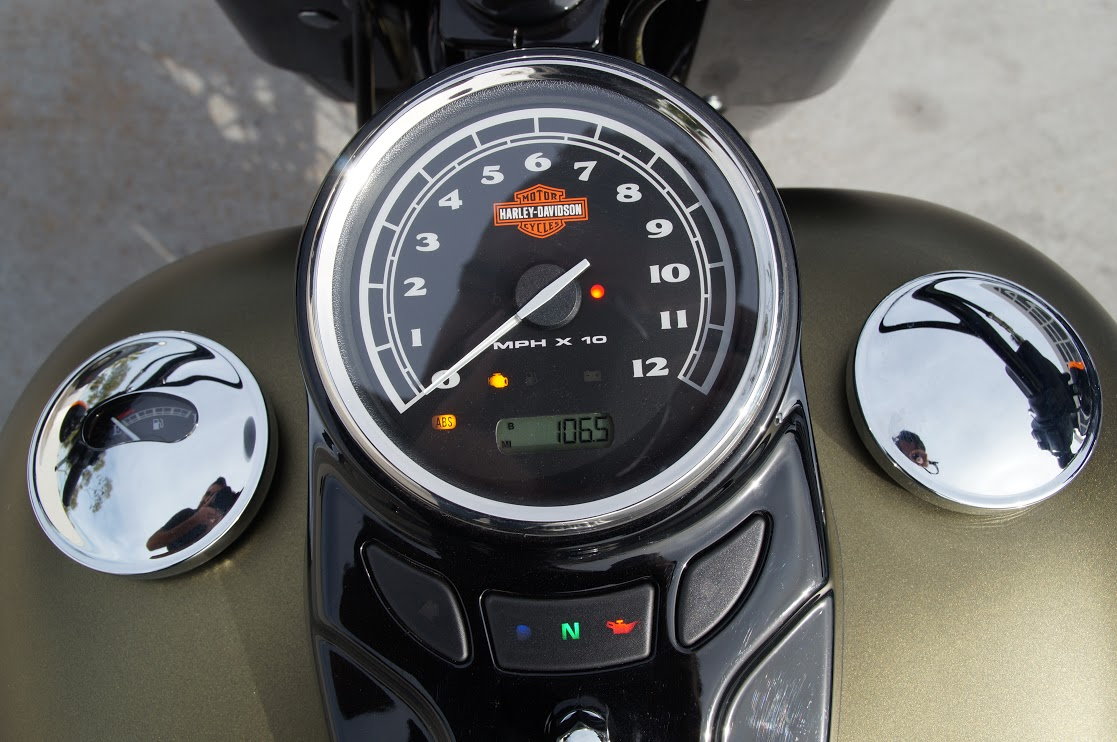
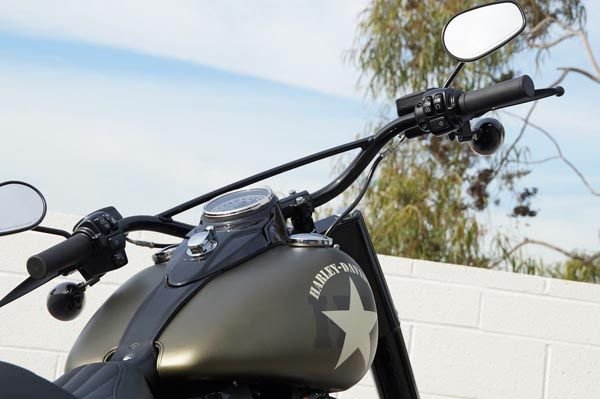
Turn the ignition switch, which is located in the center of your gas tank, to the OFF position and then turn the Run/Stop switch, which is located on the right side of your handlebar, to the RUN position.
Step 2 – Press odometer's reset button
Press the odometer's reset button and keep it pressed. While it's pressed, turn the ignition switch to ignition and then let go of the reset button.
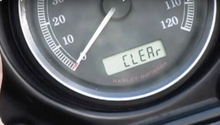
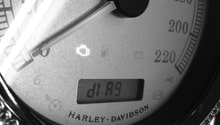
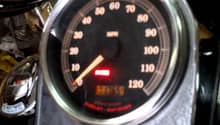
When and if you do the above steps correctly, all the warning lights should turn on. Press the reset button another time, and the code will appear. You can compare this code to the codes in your owner's manual to see why it was on.
Step 3 – Press reset button
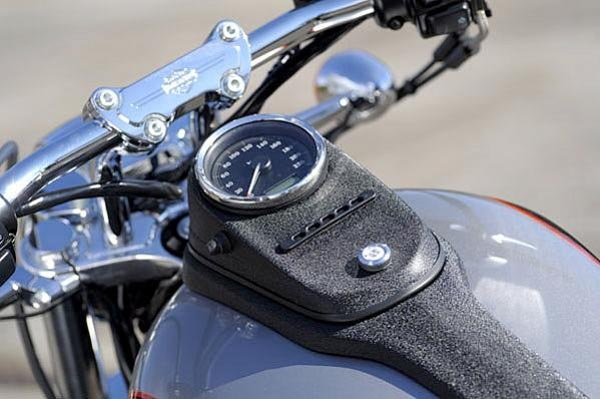
To reset the code, press the reset button for five seconds. When the code goes away, turn the ignition off.
Related Discussions
- Resetting Check Engine Light - HDForums.com
- Check Engine Light - HDForums.com
- Reset Check Engine Light - HDForums.com