


How do i post the larger pics


Thread Starter
|
Road Warrior
Joined: Oct 2010
Posts: 1,554
Likes: 52
From: Ottawa Canada
 How do i post the larger pics
Today i opened a photobucket account, older guy not so savvy with this posting pictures stuff, so how do i post the larger pictures that i have seen on others posts, currentely i can only post the thumbnails.
Cheers
Cheers



First of all:
Before you even TRY to post a picture on HDF:
1. go to your User CP (upper left side of page on blue toolbar) and click it.
2. Scroll down to "Edit Options" click it.
3. Now scroll all the way down to the bottom and
4. change from "Basic Editor" to "Enhanced".
5. Confirm settings by clicking "Save Changes" .
Now you have two options:
Option 1:
Copy/paste the img link from photobucket into your post (click to view my tutorial)
Option 2:
1. Attach an image to your post (upload from your computer)
2. Click preview post
3. Right click the thumbnail image and left click option Copy image url
4. Go back to your post
5. Paste the image url and add this code [img] in front of the link and [/img] behind the link
6. Scroll down and click Manage attachments
7. Click remove attachment
8. Click preview Post to check
9. Click Submit Reply
Let me know if you need some more help. If you log in to FB I'll send you a friends request in order to be able to chat....
Before you even TRY to post a picture on HDF:
1. go to your User CP (upper left side of page on blue toolbar) and click it.
2. Scroll down to "Edit Options" click it.
3. Now scroll all the way down to the bottom and
4. change from "Basic Editor" to "Enhanced".
5. Confirm settings by clicking "Save Changes" .
Now you have two options:
Option 1:
Copy/paste the img link from photobucket into your post (click to view my tutorial)
Option 2:
1. Attach an image to your post (upload from your computer)
2. Click preview post
3. Right click the thumbnail image and left click option Copy image url
4. Go back to your post
5. Paste the image url and add this code [img] in front of the link and [/img] behind the link
6. Scroll down and click Manage attachments
7. Click remove attachment
8. Click preview Post to check
9. Click Submit Reply
Let me know if you need some more help. If you log in to FB I'll send you a friends request in order to be able to chat....
Last edited by FXD2003Rider; Dec 15, 2012 at 01:50 PM.
Elite HDF Member
Joined: Jul 2007
Posts: 4,749
Likes: 16
From: sand mountain Alabama
I did not know that, thank you.
The simplest way is click on the photo you want. The the right is a menu.
that says IMAGE links, at the bottom is image code. left click on that link. It will say copied
then right click on the quick reply and paste.
your done.
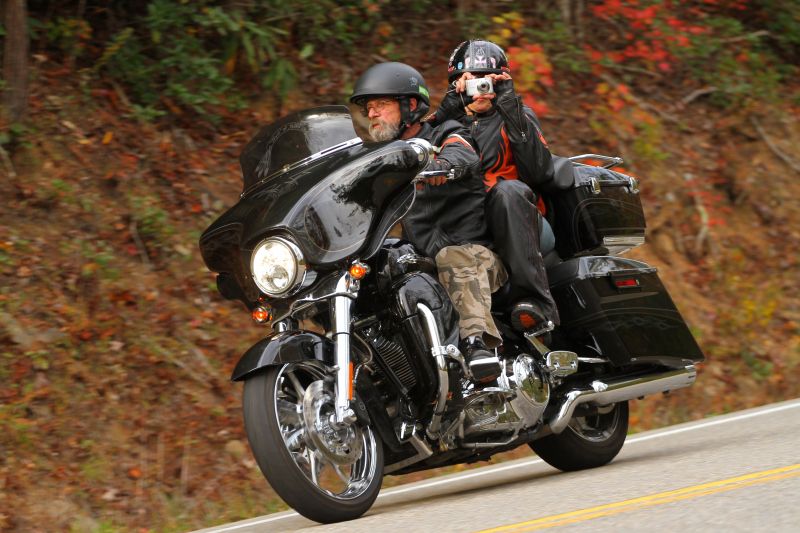
you need to stay within the forum's guide lines for size of photos.
The simplest way is click on the photo you want. The the right is a menu.
that says IMAGE links, at the bottom is image code. left click on that link. It will say copied
then right click on the quick reply and paste.
your done.
you need to stay within the forum's guide lines for size of photos.
Last edited by dirtdobber; Dec 15, 2012 at 01:41 PM.
Thread Starter
|
Road Warrior
Joined: Oct 2010
Posts: 1,554
Likes: 52
From: Ottawa Canada
Last edited by Robtarra39; Dec 15, 2012 at 03:03 PM.
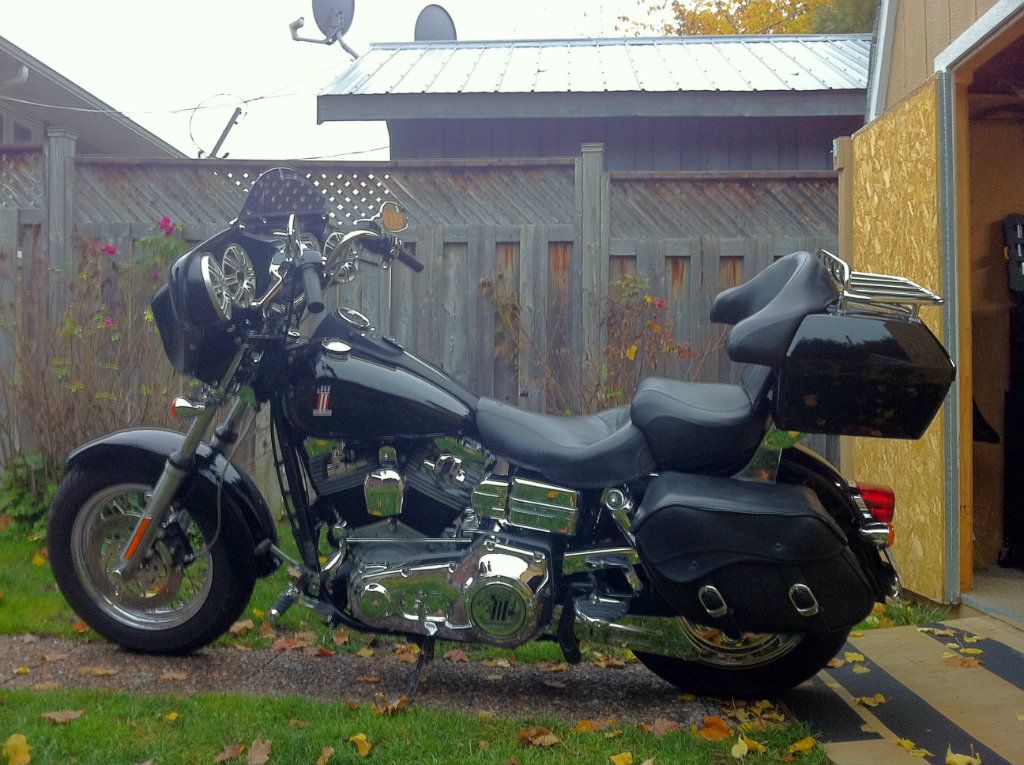
Now put [img] and [/img] around the Photobucket direct link or just click the Photobucket IMG code and paste it into your post and it will look like this:

Thread
Thread Starter
Forum
Replies
Last Post









