When you click on links to various merchants on this site and make a purchase, this can result in this site earning a commission. Affiliate programs and affiliations include, but are not limited to, the eBay Partner Network.
Thank you for your help. I do break down trips and use waypoints. I am looking specifically for he setting, either in ride planner or on the bike system to change the setting: "Turn off Alternate Routes." This is what the manual says could be the issue. I want to stop the GPS bike system from using another route and only use the one I planned in ride planner. This to me is the biggest flaw in the HD ride planner/app/bike gps system. You spend time planning a route and the bike GPS takes you on a whole different route. Very flawed system. I am ready to just mount my Garmin back on the bike.
Thanks! Jeff
I found that if I don't have the avoidance's and settings set exactly the same in the ride planner and on the bike then the route is changed.
Waypoints are your answer. I have used my GPS on 2018 TriGlide to go across the US and if you want it to follow your specific route you need to put waypoints in at almost all turns onto specific roads. if you don't it will take you off your course and put you on roads it decides will be better .
Yeah got to play around in NAV to find it. It is also in the Boom Manual you can download but is a pain to find.
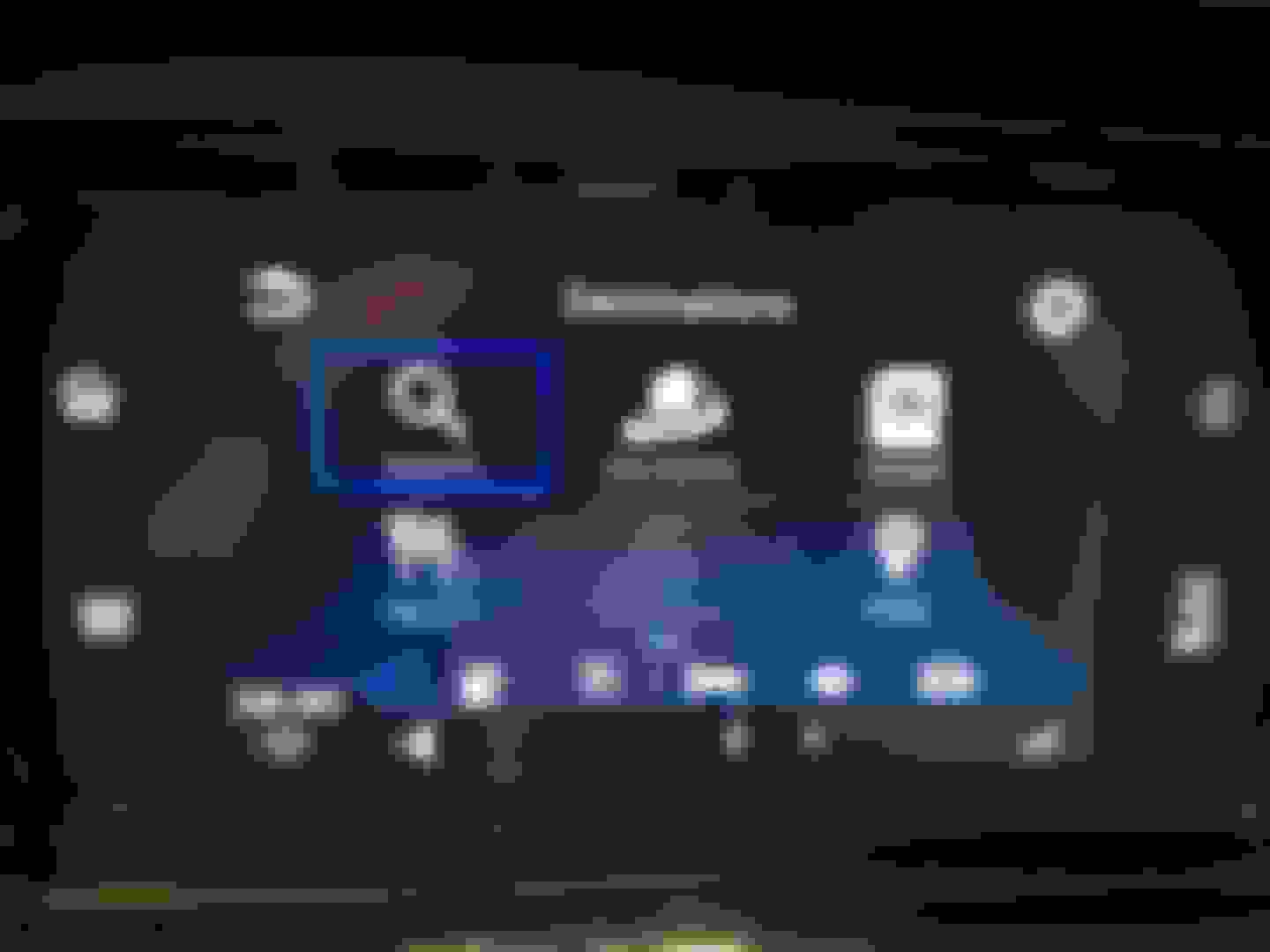
See screen shots below. 1. go to your NAV, then NAV menu, then NAV settings.
Main Screen go up and to the mag glass
Then you will get this screen go up to the top and use the wheel on the right.
You will get this screen
Scroll down until you find these setting
Then change the settings.
You can either use the touch screen or the handlebar controls.
great advice and pics. I have a question for you with regard to this issue. I've been creating my maps with waypoints in Harley Ride Planner. Everything looks beautiful in the desktop but when it transfers wireless through my HD app to the boombox, I'm loosing all my waypoints. It only shows a start and finish and these were not even my selections when planning the route. Any idea why, suggestions?
great advice and pics. I have a question for you with regard to this issue. I've been creating my maps with waypoints in Harley Ride Planner. Everything looks beautiful in the desktop but when it transfers wireless through my HD app to the boombox, I'm loosing all my waypoints. It only shows a start and finish and these were not even my selections when planning the route. Any idea why, suggestions?
7 Surprising Harley-Davidson Products that Are Not Motorcycles
Slideshow: The bar-and-shield logo shows up on far more than motorcycles, some of the company's most unexpected products have nothing to do with riding.
Slideshow: From the troubled AMF years to modern misfires, these bikes earned reputations for reliability issues, questionable engineering, or disappointing performance.
Crazy Bunderbike Build Looks Amazing, But Is It Impossible to Ride?
Slideshow: The Swiss custom shop has taken a Harley Softail and stretched it into something so long and low that it looks closer to a rolling sculpture than a conventional motorcycle.
Engraved Rebellion: Inside Bundnerbike's Glam Rock II
Slideshow: A standard cruiser becomes an intricate metal canvas in the hands of a Swiss custom house known for pushing Harley-Davidson platforms far beyond their factory brief.
Slideshow: Harley-Davidson's challenges aren't abstract; they show up in dropping shipments, shrinking dealer traffic, and strategic decisions that aren't yet translating into growth.